

SOLIDWORKS Simulation 2026: Fill Thin Slot, Angular Displacement Plots, and Pin Connector Force Extraction
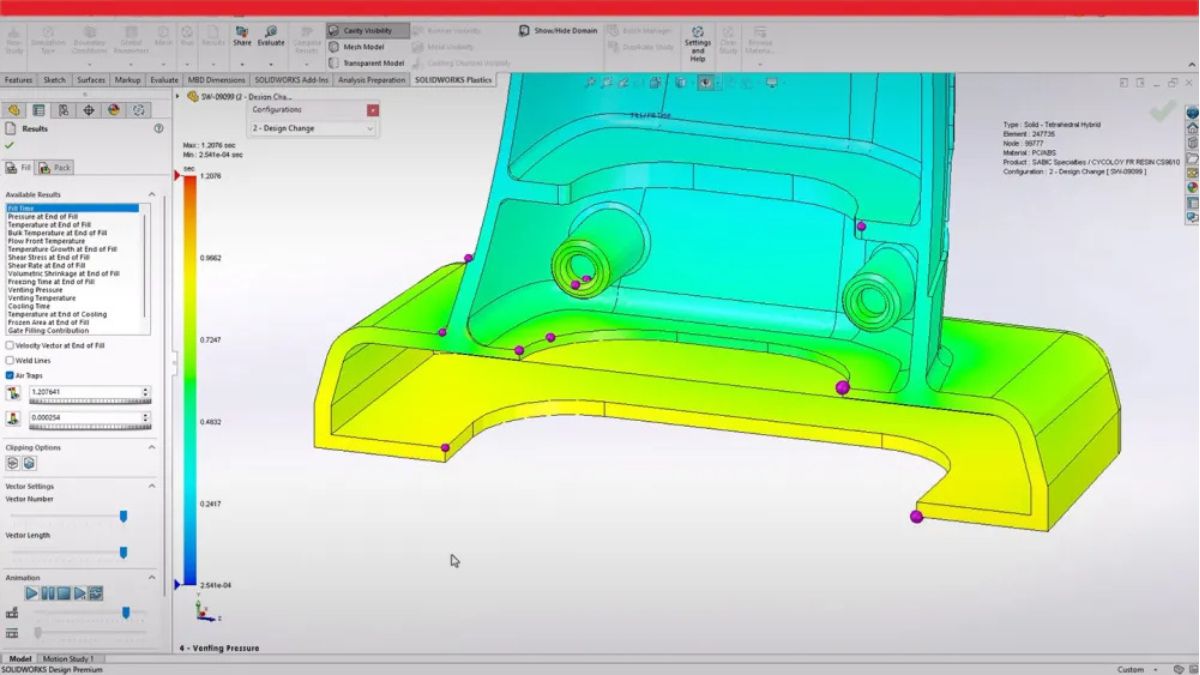
What's New in SOLIDWORKS Simulation 2026: Precision Enhancements for Structural, Thermal, and Vibration Analysis
SOLIDWORKS Simulation 2026 delivers a focused set of engineering enhancements that improve modeling accuracy, reduce manual workarounds, and expand result interpretation options across structural, thermal, and vibration analysis workflows. Released as part of the broader SOLIDWORKS 2026 product suite, the simulation updates target practical pain points that engineers encounter in everyday FEA and CFD tasks.
Thermal Analysis: Fill Thin Slot for Accurate Heat Transfer Paths
One of the most impactful additions in SOLIDWORKS Flow Simulation 2026 is the Fill Thin Slot feature. In compact electronic assemblies, thin gaps between heated components and heat sinks — often filled with thermal interface materials (TIMs) or adhesives — are notoriously difficult to mesh accurately. Previously, engineers had to manually create additional CAD geometry to represent these thin layers, adding time and complexity to the pre-processing workflow.
With Fill Thin Slot, users can specify a solid material to automatically fill these gaps during mesh generation. The result is a more physically accurate heat transfer path without any CAD modifications. This is particularly valuable for PCB thermal management studies, where even a thin layer of thermal paste can significantly affect junction temperatures and component reliability predictions.

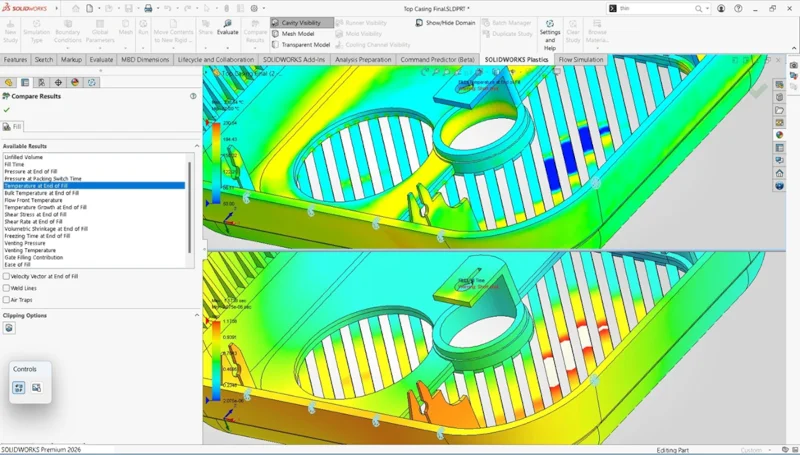
A complementary addition is the new temperature column in the Component Explorer, which provides an at-a-glance summary of all component temperatures in a thermal study. Engineers can now quickly identify overheating components or thermal imbalances without manually probing individual parts.
Structural Analysis: Angular Displacement Plots and Improved Shell Workflows
SOLIDWORKS Simulation 2026 adds the ability to plot angular rotation results in either degrees or radians for studies containing solids, shells, or beams. Previously, engineers working with rotational displacement data had to perform manual unit conversions — a small but recurring friction point in reporting workflows. The new option is accessible directly in the Displacement plot PropertyManager under the "AR: Angular Rotation" display type.
Shell modeling workflows also receive meaningful improvements. Users can now set global defaults for thick or thin shell definitions in new studies via Default Options > Mesh, eliminating the need to reconfigure this setting for each new analysis. Additionally, distributed remote loads and remote masses can now be applied to shell edges using the distributed coupling formulation — a capability previously limited to faces. This expands the range of load cases that can be accurately represented on thin-walled structures.
Vibration Analysis: Pin Connector Force Extraction
For engineers performing random vibration studies, SOLIDWORKS Simulation 2026 introduces the ability to extract detailed force results from pin connectors. By accessing the "Connector Force" option under the Results folder, users can now retrieve shear force, axial force, bending moment, and torque for each pin — along with a response graph showing resultant forces across the full vibration frequency range.
This capability is critical for fatigue and durability assessments of bolted or pinned joints subjected to broadband dynamic loading, such as in aerospace brackets, automotive subframes, or industrial machinery mounts.
Seismic Analysis: Remote Mass Support in Response Spectrum Studies
Response spectrum analysis studies now support the application of remote masses, allowing engineers to account for the inertial contribution of components that are not included in the meshed geometry. This simplifies the modeling of complex assemblies — for example, representing heavy equipment mounted on a structural frame — without requiring full geometric detail of every component.
Plastics and Injection Molding: 30% Performance Boost and Unfilled Volume Visualization
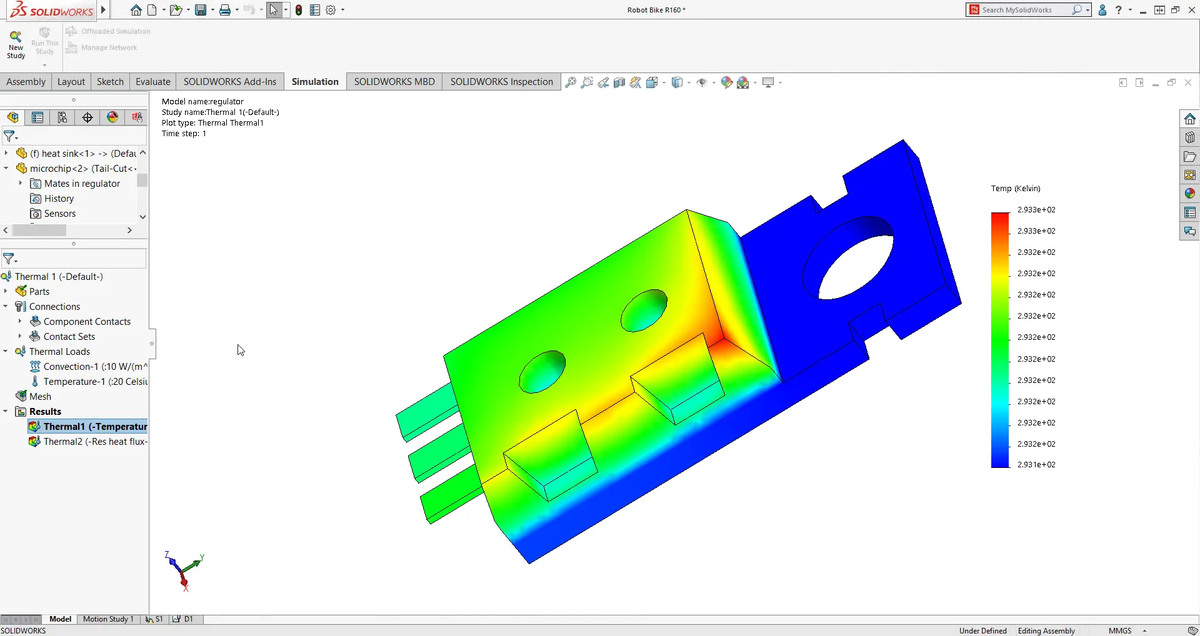
SOLIDWORKS Plastics 2026 delivers a 30% improvement in solving speed for Fill, Pack, and Warp simulations. For large, complex mold geometries, this translates directly into faster design iteration cycles.
A new Unfilled Volume plot visually highlights areas of incomplete material injection (short-shots), making it easier to identify and correct filling deficiencies early in the mold design process. Engineers can also now define air vent boundary conditions directly on model edges for both cavity and cold runner systems, providing finer control over venting strategies.
Beam Load Flexibility
A smaller but practical enhancement allows users to specify force loads on beam elements as either "Per Item" or "Total". This gives engineers more precise control over how distributed loads are applied to beam structures, reducing the risk of inadvertent load scaling errors in complex frame analyses.
Summary
SOLIDWORKS Simulation 2026 continues the product's tradition of incremental, engineer-focused improvements. The Fill Thin Slot feature and Component Explorer temperature column address real thermal modeling challenges; angular displacement plotting and shell edge loads reduce manual steps in structural workflows; and pin connector force extraction fills a meaningful gap in vibration fatigue analysis. Combined with the plastics performance boost, this release offers tangible productivity gains for simulation engineers across multiple disciplines.
For full technical documentation and release notes, visit the SOLIDWORKS What's New 2026 page and the SOLIDWORKS Help Center.