
OpenFOAM: Open-Source Computational Fluid Dynamics for Environmental Modeling
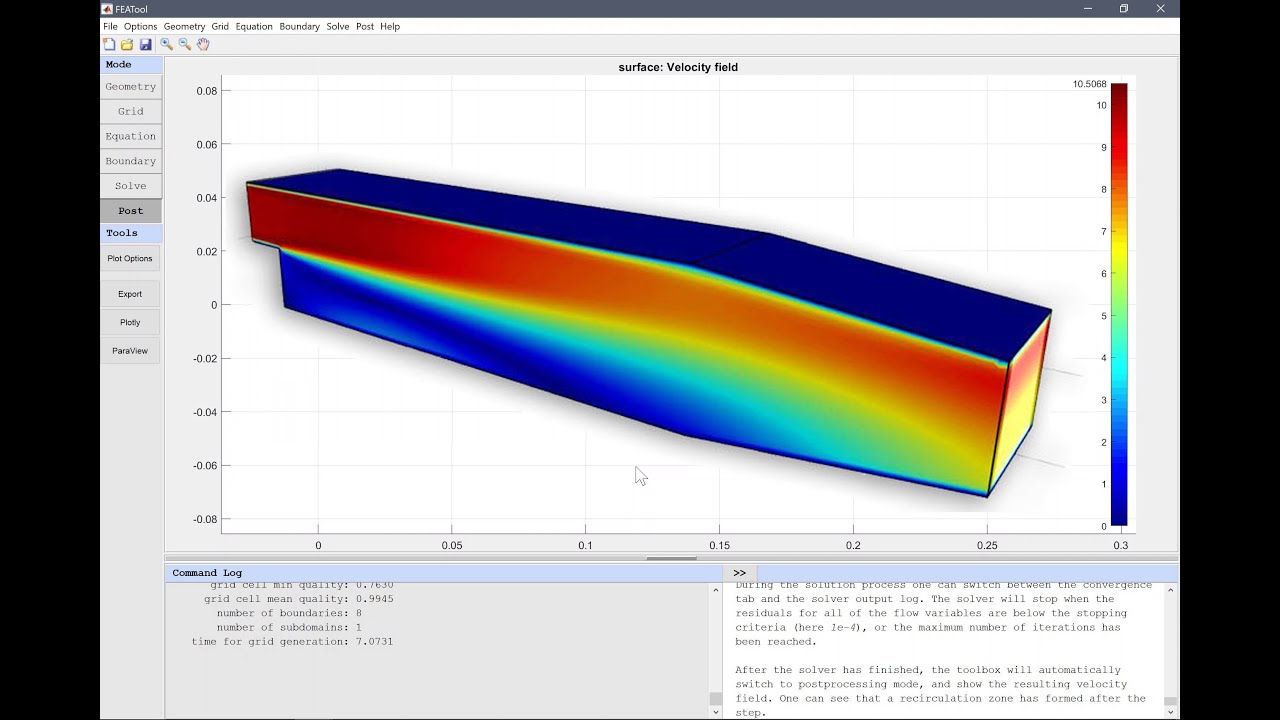
OpenFOAM, an acronym for "Open Field Operation And Manipulation," stands as a cornerstone in the realm of Computational Fluid Dynamics (CFD) and continuum mechanics. It is a powerful, free, and open-source C++ toolbox designed for the development of customized numerical solvers and pre-/post-processing utilities.
Overview and Philosophy
Released under the GNU General Public License (GPLv3), OpenFOAM has garnered a vast user base across diverse fields of engineering and science, encompassing both commercial enterprises and academic institutions. Its versatility and comprehensive feature set enable users to tackle a wide array of complex fluid flow problems, ranging from chemical reactions, turbulence, and heat transfer to solid dynamics and electromagnetics.
The core philosophy behind OpenFOAM is its open-source nature, which provides unparalleled transparency into the underlying algorithms and models. This transparency fosters a robust platform for continuous development, collaborative research, and deep learning of CFD numerical methods. Unlike many commercial CFD packages that rely heavily on graphical user interfaces (GUIs), OpenFOAM is primarily driven by command-line operations and structured text files, offering a high degree of control and customization.

Core Concepts and Architecture
At its heart, OpenFOAM is a C++ library, serving as a flexible framework for creating executable applications. These applications are broadly categorized into:
- Solvers: Tailored to address specific problems in computational continuum mechanics
- Utilities: Designed for straightforward pre- and post-processing tasks, primarily involving data manipulation and algebraic calculations
The software numerically solves the fundamental conservation equations for mass, momentum, and energy, collectively known as the Navier-Stokes equations, along with other relevant partial differential equations (PDEs). OpenFOAM's unique strength lies in its intuitive equation syntax, which closely mirrors mathematical notation, allowing complex equations to be written concisely and in a human-readable form within the code.
File Structure and Organization
The OpenFOAM distribution is organized into several key directories:
- src: Contains the core OpenFOAM libraries
- applications: Houses the various solvers and utilities
- modules: Includes third-party code contributions
- tutorials: Provides a rich collection of test cases demonstrating OpenFOAM functionalities
- doc: Contains documentation
Each OpenFOAM simulation, referred to as a "case," is defined by a collection of structured text files organized into three main directories:
- constant/: Stores physical properties, turbulence models, and mesh data
- system/: Defines simulation controls, numerical schemes, and solver settings
- 0/: Contains initial and boundary conditions for fields like velocity and pressure
Extensive Features and Capabilities
OpenFOAM boasts an extensive array of features across various domains of CFD and continuum mechanics, making it suitable for simulating highly complex fluid flow systems in demanding industries and scientific research.
Fluid Dynamics and Physical Modeling
OpenFOAM provides a comprehensive suite of models for diverse fluid flow phenomena:
Turbulence Modeling: Supports various approaches including Reynolds-Averaged Simulation (RAS), Large-Eddy Simulation (LES), and Detached-Eddy Simulation (DES, DDES, etc.). These models allow for accurate analysis of complex flows by accounting for turbulent effects.
Flow Regimes: Capable of simulating compressible flow, including shocks, as well as incompressible flows. It handles a wide range of flow speeds, from subsonic to supersonic, and flow regimes, from laminar to turbulent.
Heat Transfer: Features include conjugate heat transfer, allowing for the simulation of heat exchange between fluid and solid regions.
Multiphase Flow: Supports various multiphase flow models, crucial for applications involving multiple immiscible or miscible fluids.
Specialized Phenomena: Includes models for films, reaction kinetics, and combustion, essential for chemical and process engineering applications.
Particle Dynamics: Offers population balance and Lagrangian particle tracking capabilities, useful for simulating dispersed phases.
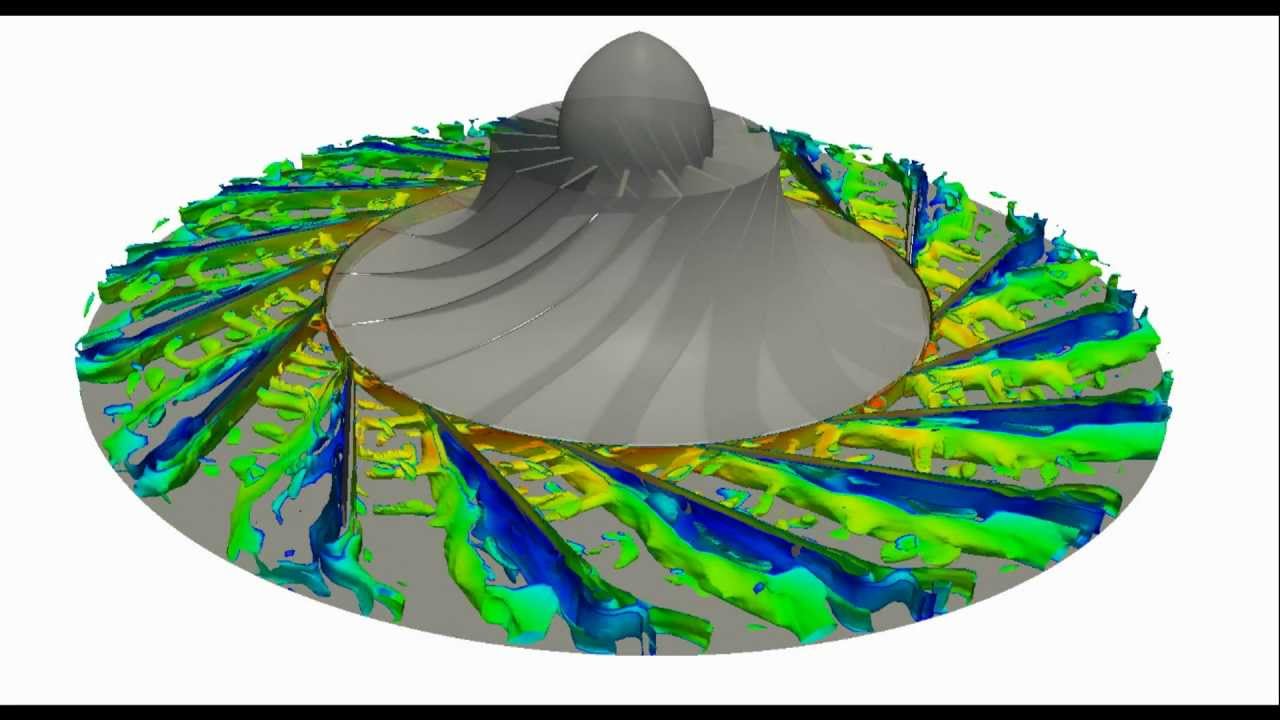
Dynamic Meshes: Supports dynamic mesh capabilities for scenarios involving moving geometries, such as rotating machinery, translating bodies, or deforming domains.
Numerical Solution Methods
OpenFOAM provides robust numerical methods for solving the underlying equations:
- Solvers: Features linear system solvers and Ordinary Differential Equation (ODE) system solvers
- Multi-Region Solver: Enables the simulation of problems involving multiple interconnected regions
- Field Constraints: Allows for the application of various constraints on solution fields
- Equation Solving: Solvers are designed to accurately solve various mathematical problems, including Navier-Stokes equations, inviscid and viscous flow equations, and chemical transport equations
Geometry and Meshing
Meshing is a critical step in CFD, and OpenFOAM offers powerful tools for mesh generation and manipulation:
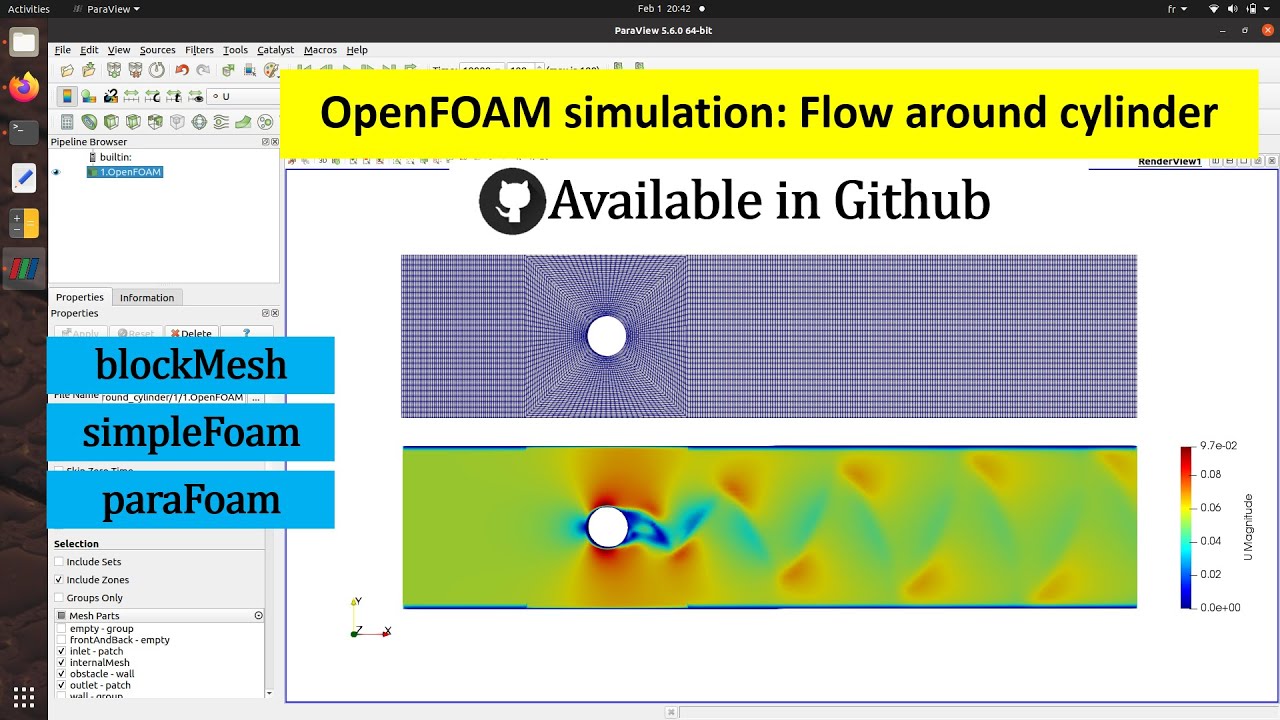
Mesh Generation: The primary meshing utilities are blockMesh for structured meshes and snappyHexMesh for complex, unstructured meshes. snappyHexMesh is particularly powerful for automatic meshing of complex geometries, adaptive refinement around surfaces and regions of interest, and works well with STL files for geometry definition.
Mesh Manipulation: Includes tools for geometry transformation, mesh format conversion, mesh transform, mirror, scale, split, stitch, and merge. It also supports topology changes.
Pre-processing: Offers comprehensive pre-processing tools for grid generation.
Post-processing and Data Analysis
Analyzing simulation results is crucial, and OpenFOAM provides integrated and external tools:
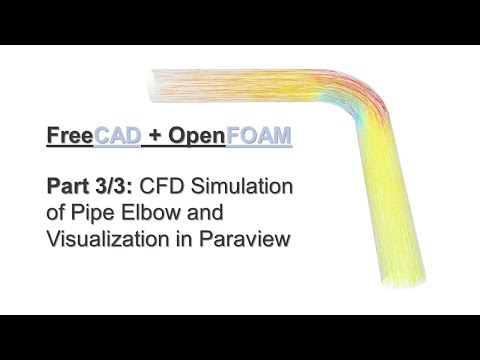
Visualization: Integrates seamlessly with ParaView, a powerful open-source visualization tool, for graphical analysis. Users can load results directly using paraFoam and utilize slices, contours, and streamlines to analyze flow fields.
Data Extraction: Utilities like foamToVTK convert OpenFOAM results into VTK format for external analysis, while sampleDict extracts data at specific locations.
Advanced Analysis: Supports serial and parallel processing of results, averaging and statistics, and the creation of points, lines, and surfaces. Users can define custom functions and fields for specialized analysis.
Scripting: Enables the building of post-processing scripts for efficient data extraction and validation, and automation of visualization with Python scripting in ParaView.
Computing and Programming
OpenFOAM's architecture is designed for high performance and extensibility:
Modularity: Features modular solvers and an intuitive equation syntax, making it easy to understand and modify.
Customization: Allows for the creation of user-defined applications, solvers, and libraries, enabling deep customization for specific problems.
Case Management: Provides case configuration tools and template cases to streamline setup.
Parallel Computing: OpenFOAM is highly capable of utilizing Message Passing Interface (MPI) for parallel processing, making it well-suited for high-performance computing (HPC) systems. It can scale its code to large simulations by running on supercomputers, clusters, and distributed computing architectures.
Applications in Environmental and Climate Modeling
OpenFOAM's extensive feature set makes it particularly valuable for environmental and climate modeling applications:
Atmospheric Flow Modeling
- Wind Pattern Analysis: Simulation of wind flows around buildings, terrain, and urban environments
- Atmospheric Boundary Layer: Modeling of atmospheric boundary layer flows and their interactions with surface features
- Pollutant Dispersion: Tracking the spread of pollutants, aerosols, and other atmospheric contaminants
- Weather Prediction: Contributing to numerical weather prediction models and climate simulations
Ocean and Coastal Modeling
- Ocean Currents: Simulation of large-scale ocean circulation patterns and their impact on climate
- Coastal Dynamics: Modeling wave-structure interactions, coastal erosion, and sediment transport
- Tidal Flows: Analysis of tidal patterns and their environmental impacts
- Marine Ecosystem Modeling: Studying the transport of nutrients and pollutants in marine environments
Environmental Engineering
- Air Quality Assessment: Modeling air pollution dispersion in urban environments
- Water Treatment: Simulation of flow patterns in water treatment facilities
- Renewable Energy: Analysis of wind and tidal energy systems
- Environmental Remediation: Modeling contaminant transport and cleanup strategies
Climate Change Research
- Carbon Cycle Modeling: Simulation of carbon dioxide transport and sequestration
- Ice Sheet Dynamics: Modeling ice flow and melting processes
- Extreme Weather Events: Analysis of hurricanes, tornadoes, and other severe weather phenomena
- Urban Heat Islands: Studying temperature variations in urban environments
Best Practices for OpenFOAM Environmental Simulations
Mastering OpenFOAM's File Structure and Case Setup
A fundamental step to mastering OpenFOAM is understanding its file structure:
Organization: Keep your case directory organized and name files logically.
Cleanliness: Use utilities like foamListTimes and foamCleanCase to manage results and maintain a clean workspace.
Time-Stepping: Set appropriate deltaT in controlDict to balance accuracy and simulation speed.
Optimizing I/O Operations and File Handling
For large-scale environmental simulations, efficient file handling is crucial:
Collated File Handler: This feature merges results of variables corresponding to groups of processors into single files, dramatically reducing the number of files generated and improving filesystem performance.
Binary Output: Writing output in binary format is significantly faster than ASCII, especially for large simulations.
File Curation: Delete unnecessary files on scratch directories promptly to prevent accumulation of millions of small files that can strain filesystem performance.
Optimizing Parallel Processing
Leveraging parallel computing is essential for large environmental CFD cases:
Decomposition: Decompose the case for multiple processors using decomposePar.
Execution: Run the solver with MPI using mpirun -np [number of processors] [solver name].
Load Balancing: Ensure proper load balancing across processors to optimize computation time.