

Gazebo Simulator: Advanced Physics-Based Robot Testing in Virtual Environments
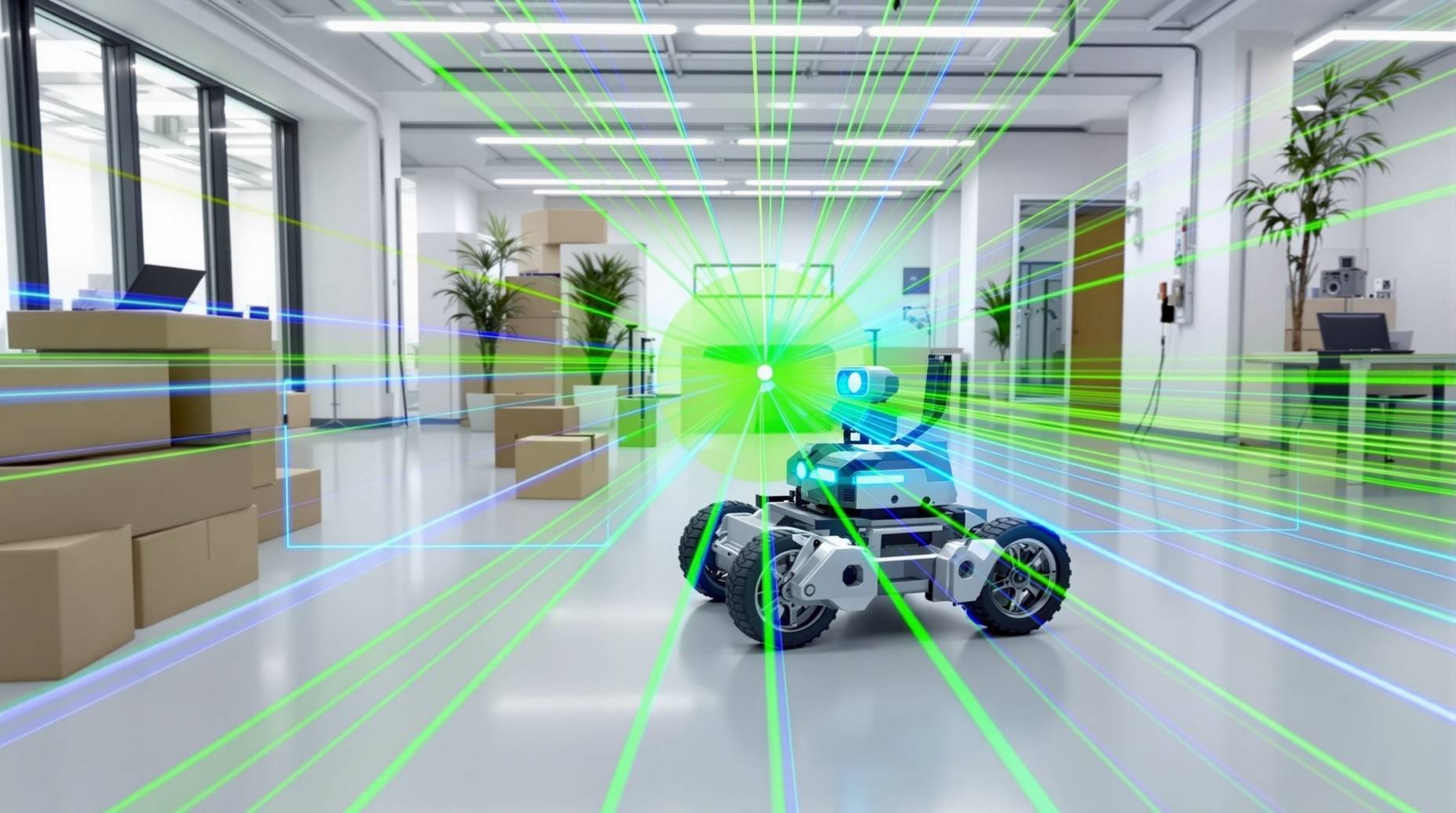
Gazebo has emerged as one of the most powerful open-source 3D robot simulators, enabling engineers and researchers to test complex robotic systems in realistic virtual environments before deploying them in the real world. As a companion tool to ROS (Robot Operating System), Gazebo provides high-fidelity physics simulation, sensor modeling, and environmental interaction capabilities that are essential for modern robotics development.
Why Gazebo Matters for Robotics Development
Traditional robot development cycles are expensive and time-consuming. Physical prototypes require significant investment, and testing in real-world scenarios can be dangerous or impractical. Gazebo addresses these challenges by offering a robust simulation environment where robots can be tested under various conditions without the risks and costs associated with physical testing.
The simulator leverages advanced physics engines—including ODE (Open Dynamics Engine), Bullet, Simbody, and DART—to accurately model real-world dynamics such as friction, inertia, and collision detection. This physics accuracy is crucial for developing control algorithms that will transfer effectively to real hardware.

Key Features and Capabilities
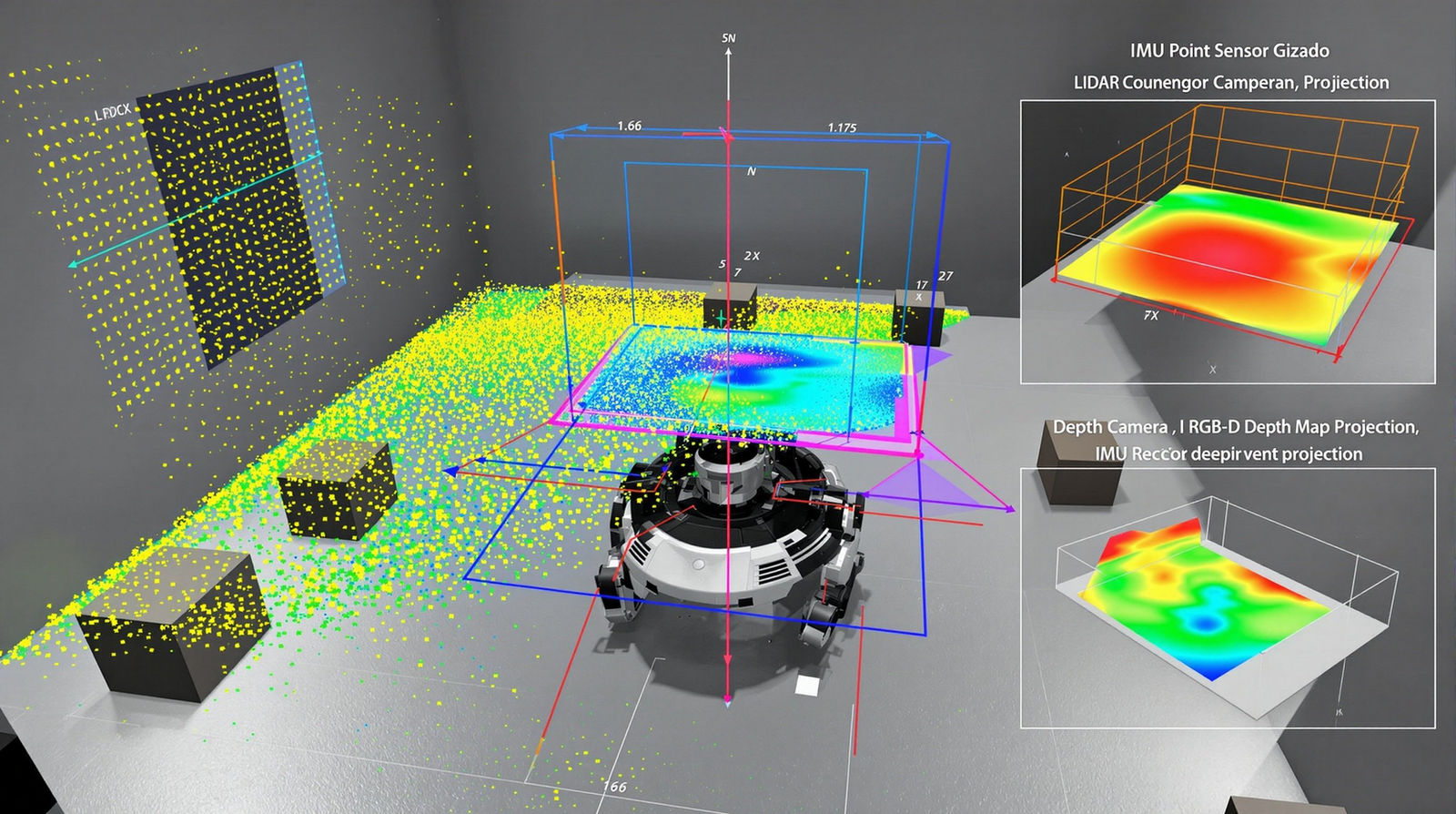
Sensor Simulation: Gazebo excels at simulating a wide range of sensors commonly used in robotics. From LIDAR and depth cameras to IMUs and GPS units, the simulator can model sensor noise, latency, and environmental interference. This allows developers to test perception algorithms under realistic conditions, including edge cases that might be difficult to reproduce in physical testing.
Dynamic Environment Modeling: Unlike simpler simulators, Gazebo supports complex, dynamic environments. You can simulate moving obstacles, changing lighting conditions, and even weather effects. This capability is particularly valuable for autonomous vehicle development and outdoor robotics applications where environmental variability is a critical factor.
Plugin Architecture: Gazebo's extensible plugin system allows developers to customize virtually every aspect of the simulation. Model plugins can add custom behaviors to robots, world plugins can modify the simulation environment, and sensor plugins can implement specialized sensor models. This flexibility makes Gazebo adaptable to specialized research needs and proprietary sensor systems.
Integration with ROS and Modern Robotics Stacks
Gazebo's tight integration with ROS creates a seamless workflow for robotics development. The gazebo_ros_pkgs package provides interfaces that allow ROS nodes to interact with simulated robots exactly as they would with physical hardware. This means the same control code can run in simulation and on real robots with minimal modifications.
For ROS 2 users, Gazebo Ignition (now called Gazebo Sim) offers improved performance and better support for modern robotics frameworks. The transition to Gazebo Sim brings enhanced rendering capabilities through the Ogre 2.x engine, improved physics simulation, and better support for distributed simulation scenarios.
Best Practices for Effective Simulation
To maximize the value of Gazebo simulation, consider these key practices:
Model Fidelity Balance: While high-fidelity models provide more accurate results, they also increase computational requirements. Start with simplified models for initial algorithm development, then progressively increase fidelity as your system matures. Focus detailed modeling on components critical to your application—for example, precise gripper dynamics for manipulation tasks.
Sim-to-Real Transfer: Always plan for the reality gap—the difference between simulated and real-world performance. Introduce controlled randomization in your simulations (domain randomization) to make your algorithms more robust. Vary parameters like friction coefficients, sensor noise levels, and object masses to ensure your system can handle real-world variability.
Performance Optimization: Large-scale simulations can be computationally intensive. Use Gazebo's real-time factor monitoring to ensure your simulation runs at an acceptable speed. Consider running headless (without GUI) for faster execution, and leverage Gazebo's ability to run multiple simulation instances in parallel for batch testing.
Real-World Applications
Gazebo has been instrumental in numerous high-profile robotics projects. The DARPA Robotics Challenge used Gazebo extensively for virtual competition rounds, allowing teams to test disaster response scenarios safely. Autonomous vehicle companies use Gazebo to simulate thousands of driving scenarios, accelerating the development of perception and planning algorithms.
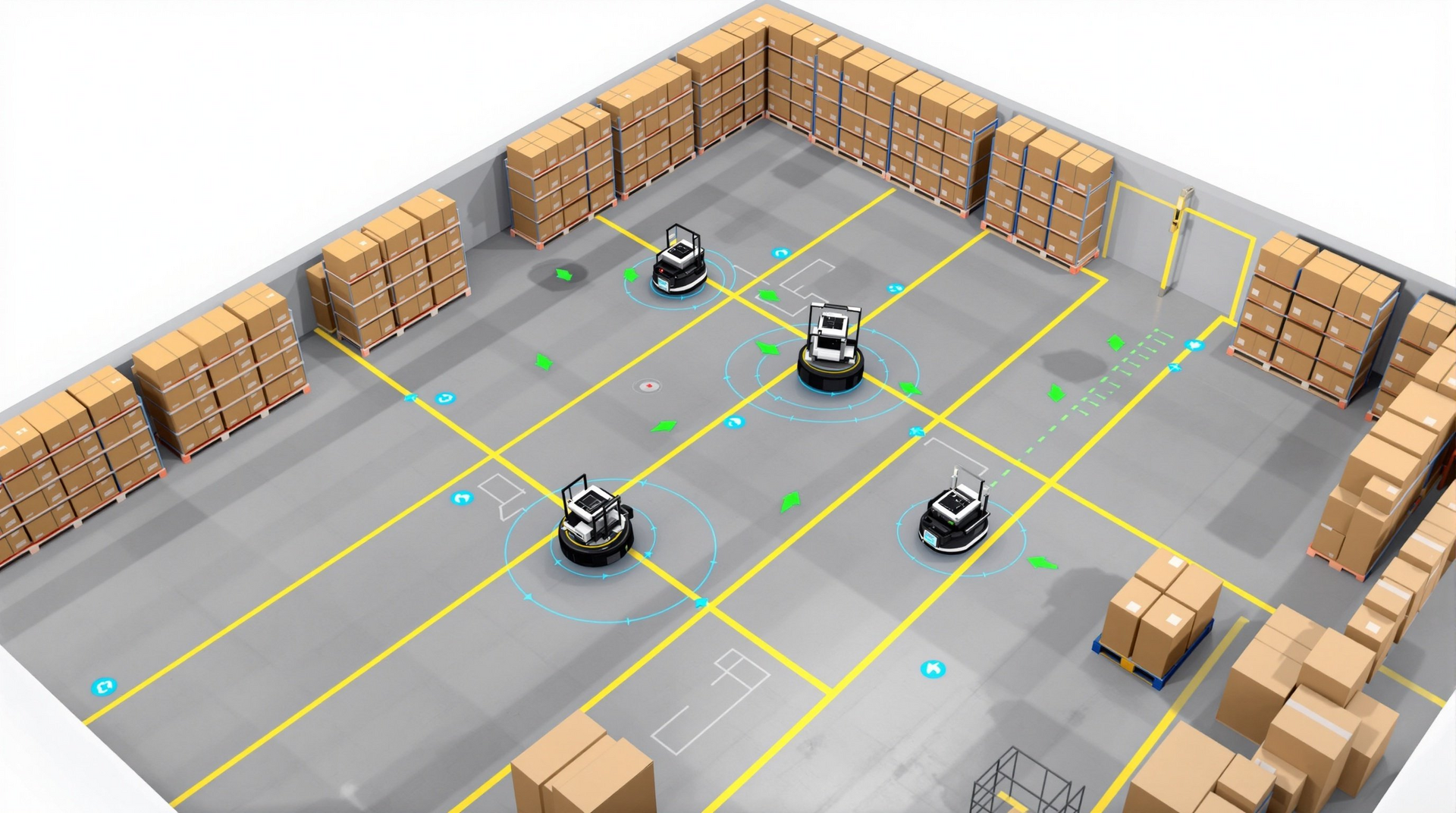
In warehouse automation, companies simulate entire fulfillment centers in Gazebo to optimize robot fleet coordination before deploying physical systems. This approach significantly reduces commissioning time and allows for testing edge cases that would be impractical to create in real facilities.
Getting Started and Resources
Gazebo is freely available and well-documented. The official Gazebo tutorials (http://gazebosim.org/tutorials) provide comprehensive guidance from basic setup to advanced plugin development. For ROS integration, the ROS wiki (http://wiki.ros.org/gazebo_ros_pkgs) offers detailed documentation on the interface packages.
The Gazebo community maintains an active forum (https://answers.gazebosim.org/) where developers can get help with specific issues. Additionally, the Gazebo model database provides pre-built models of common robots and environments, allowing developers to quickly set up simulation scenarios.
For teams serious about robotics development, investing time in mastering Gazebo pays significant dividends. The ability to rapidly iterate on designs, test edge cases safely, and validate algorithms before hardware deployment makes Gazebo an indispensable tool in the modern robotics development pipeline.